
Why the fade matters more than the timer
Babies are sensitive to change. A sound that has been steady for an hour and then vanishes is a change, and it lands exactly when your baby has settled into lighter sleep cycles. A fade turns that step into a slope. By the time the sound reaches silence, it has been quiet enough for several minutes that its absence is not an event.
The same logic applies at the start: every sound in the app ramps in over two seconds, so pressing play never startles a baby who is nearly asleep.
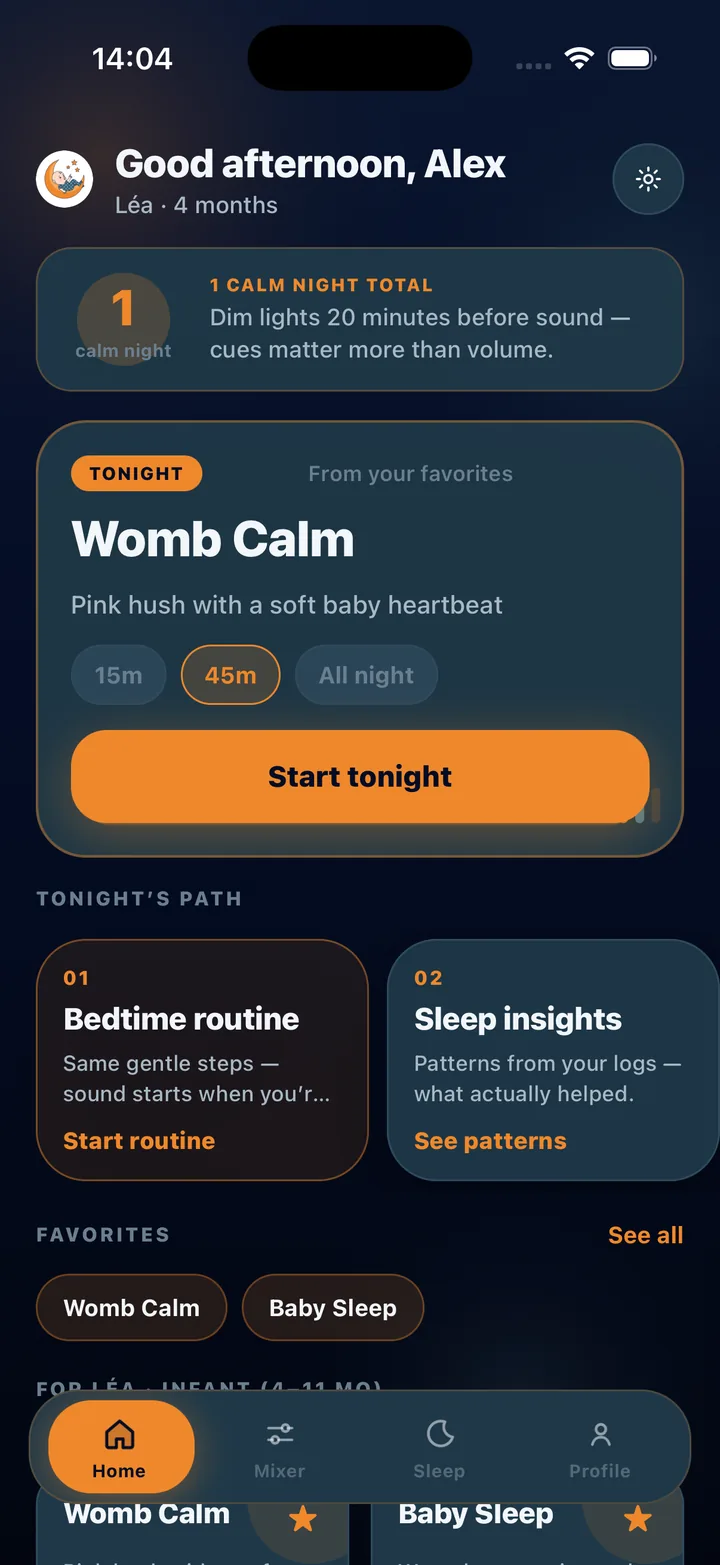
Timer and fade presets
Set them from the home screen or Now Playing:
- Timer: 15, 30, 45, 60 or 90 minutes, or all night
- Fade-out: 1, 5, 10, 15 or 30 minutes
- Default: 45 minutes with a 5-minute fade
- Works with any sound or saved mix, and with Rescue mode
Naps, bedtime and all night
For a nap, a 45-minute timer with a 5-minute fade covers the settle and the first stretch. For bedtime, many parents run 60 or 90 minutes with a 15-minute fade so the sound is gone before the deepest part of the night. For newborns who wake often, the all-night setting keeps the hush steady until morning. Whatever you choose, the sleep log records the session with the sound that was playing so you can compare.
BabySleep is a sound and tracking tool for parents, not a medical device. Nothing on this page is medical advice; if you are worried about your baby’s sleep or health, talk to a pediatric professional.
Frequently asked questions
Does the timer work with the phone locked?
Yes. Playback, the timer and the fade all continue with the screen off.
Can the sound run all night?
Yes, choose the all-night option. Keep the phone at least two metres from the crib and at a moderate volume.
Is the sleep timer free?
Yes. The sleep timer and fade-out are included in the free plan along with core sounds and a two-layer mixer.